1. Access the Client Database
Your clients can be managed from the Manager area.
Once a client purchases a training, they will appear in your client database.
2. Overview of Clients
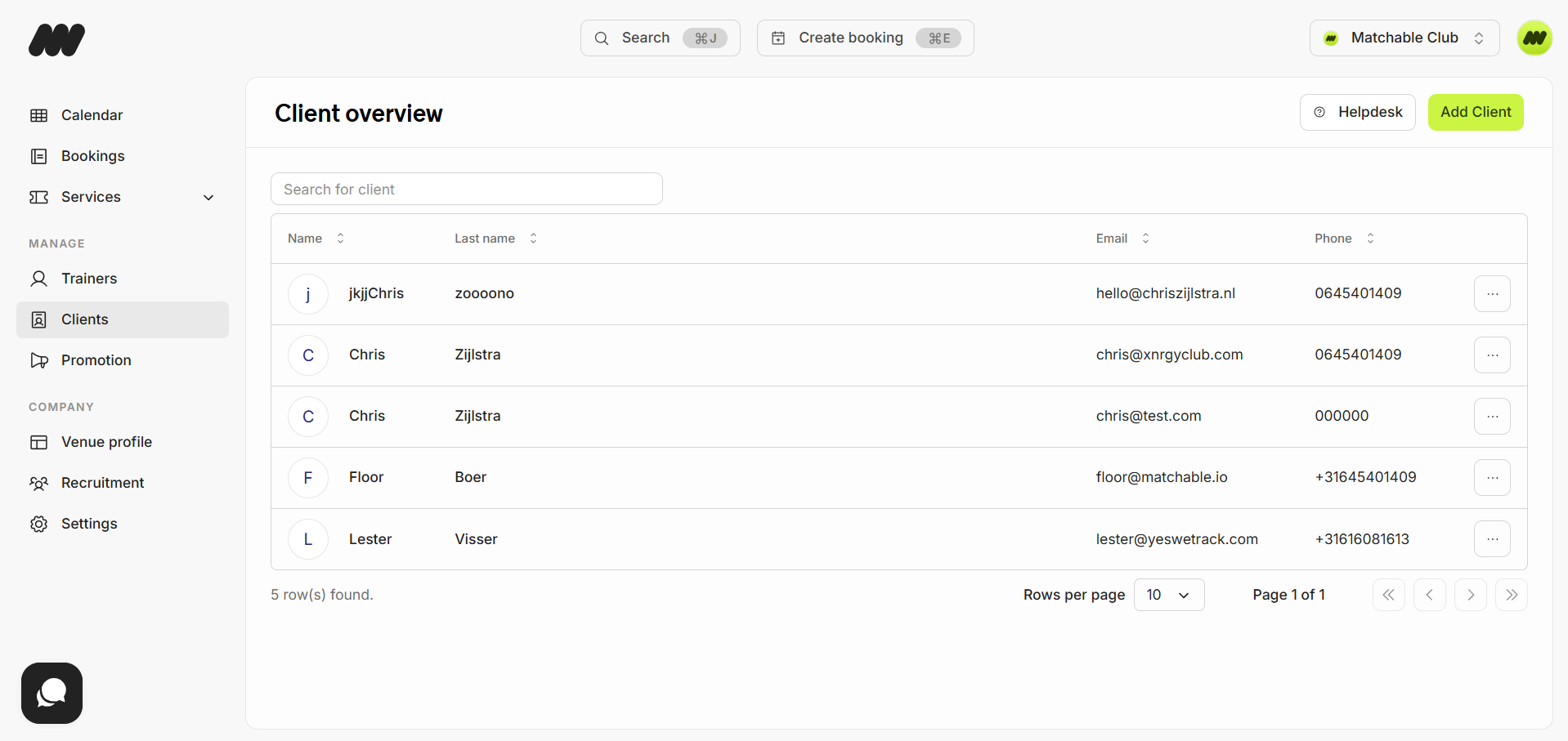
In the overview, you can see each client’s:
First name
Last name
Email address
Phone number
To manually add a new client, click ‘Add Client’ in the top-right corner.
3. Client Options
Click the three dots (…) next to a client to access options:
View Profile
Add Booking
4. Client Profile Tabs
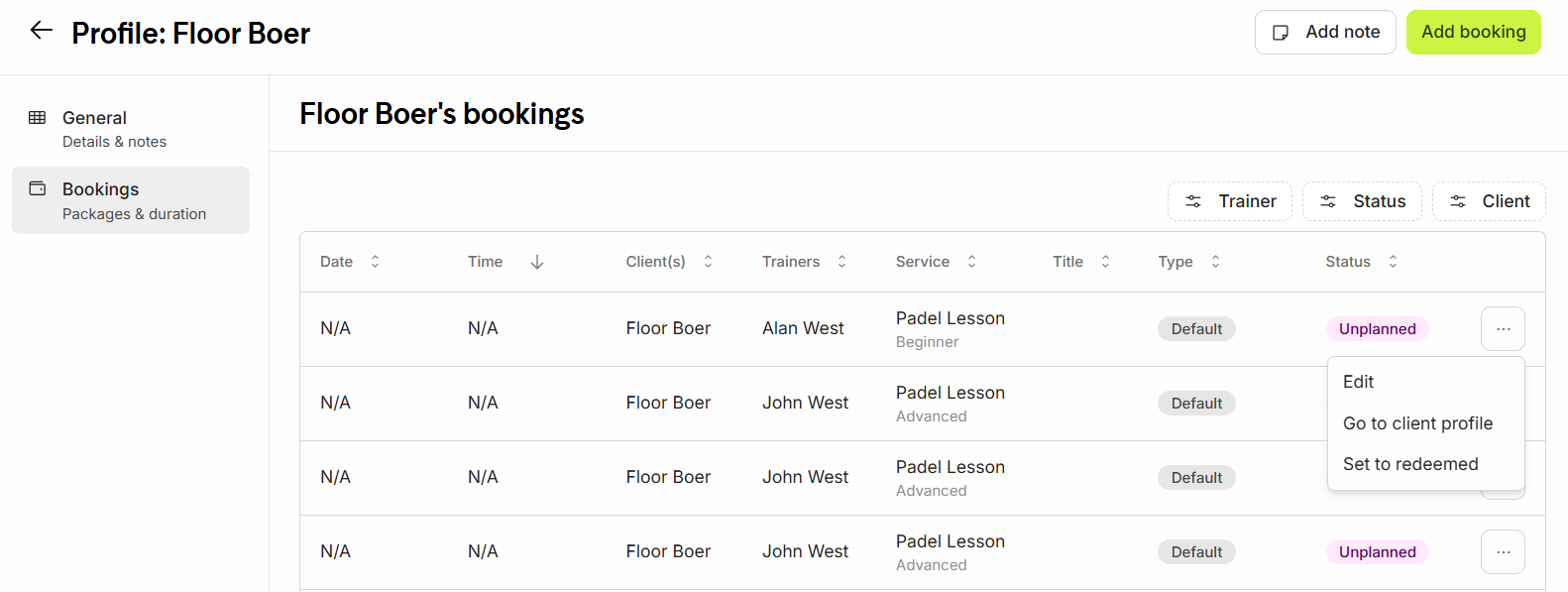
When opening a client’s profile, you will see two tabs:
1. General
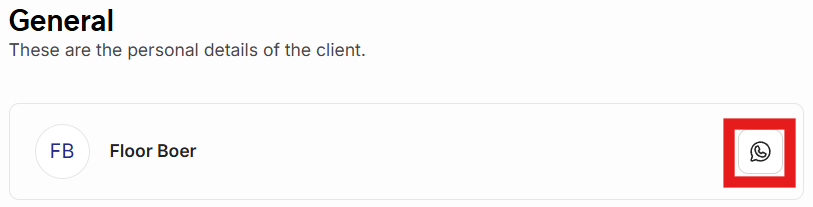
Displays the client’s personal details (editable only by the client via the Matchable website or app).
On the right side of the client’s name, you can contact the client via WhatsApp.
2. Bookings
View all client bookings — past and future.
Use the filters in the top-right corner to refine results.
Click the three dots (…) next to a booking to:
Edit the booking
View the client’s profile
Set the booking to ‘Redeemed’
Redeemed: Represents a completed booking.