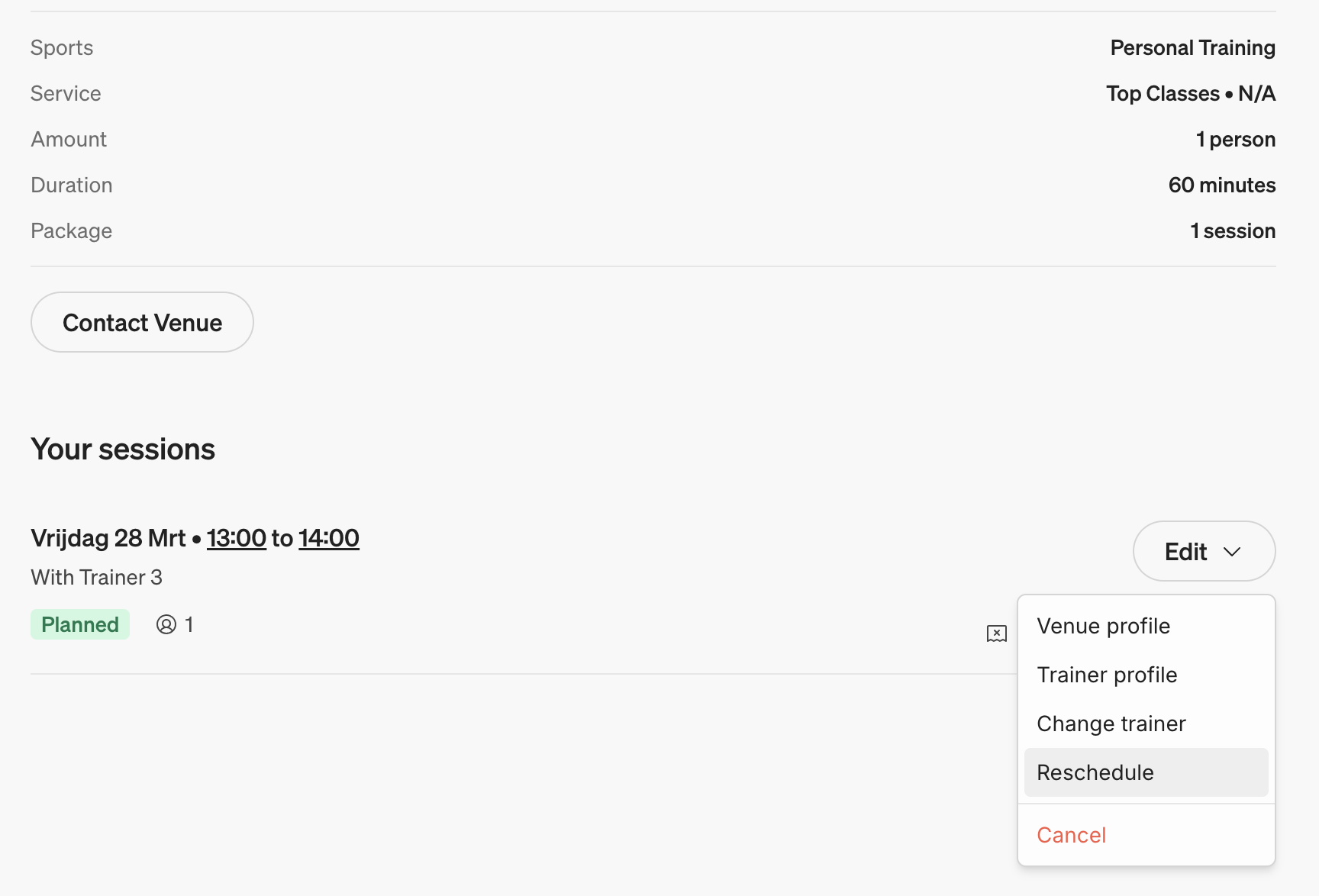
If a training session needs to be cancelled or rescheduled, log in to your profile at Matchable to view all your upcoming trainings.
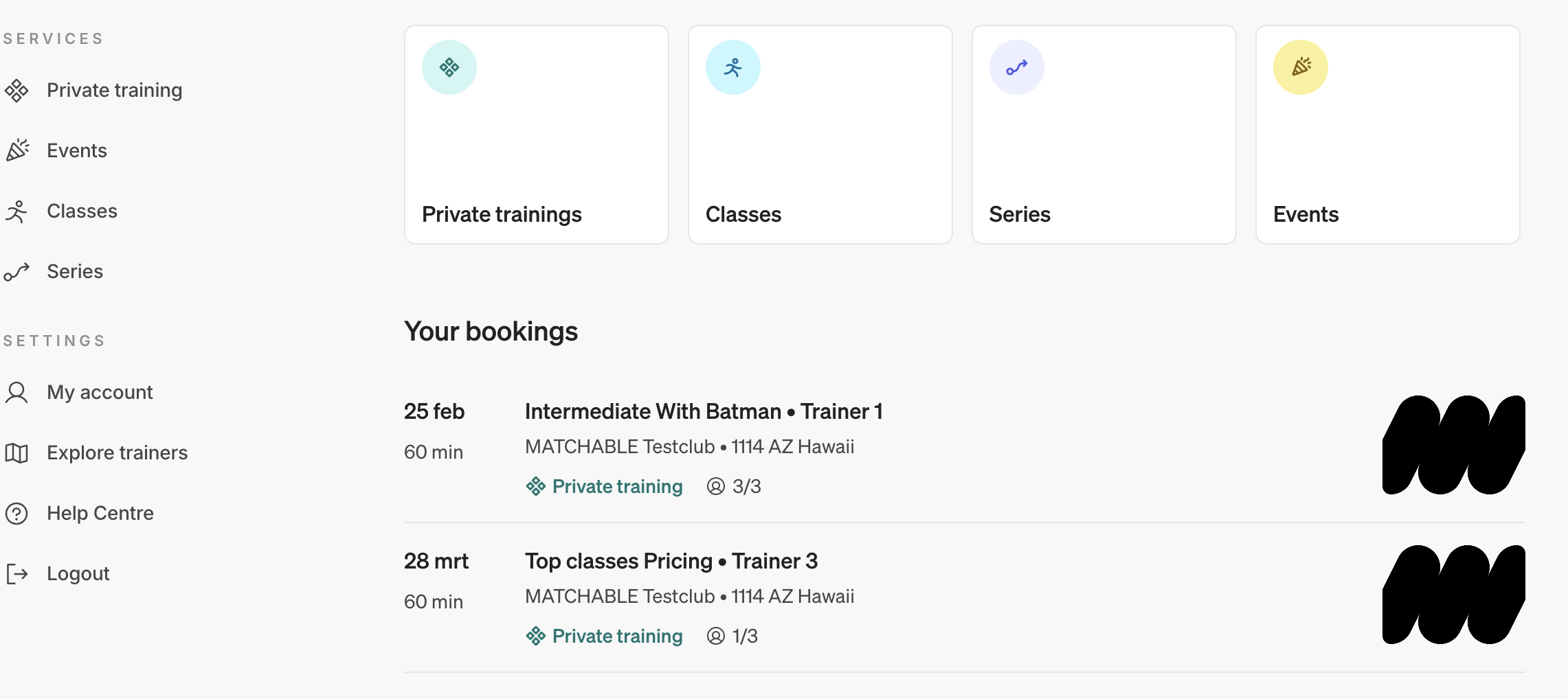
Navigate to Private training > Select training > Edit > Reschedule.
A new screen will open where you can easily select your new training, date, and time.
To change your preferred trainer, navigate to Private training > Select class > Edit > Change Trainer/Reschedule or Cancel.