First login to the Matchable Manager.
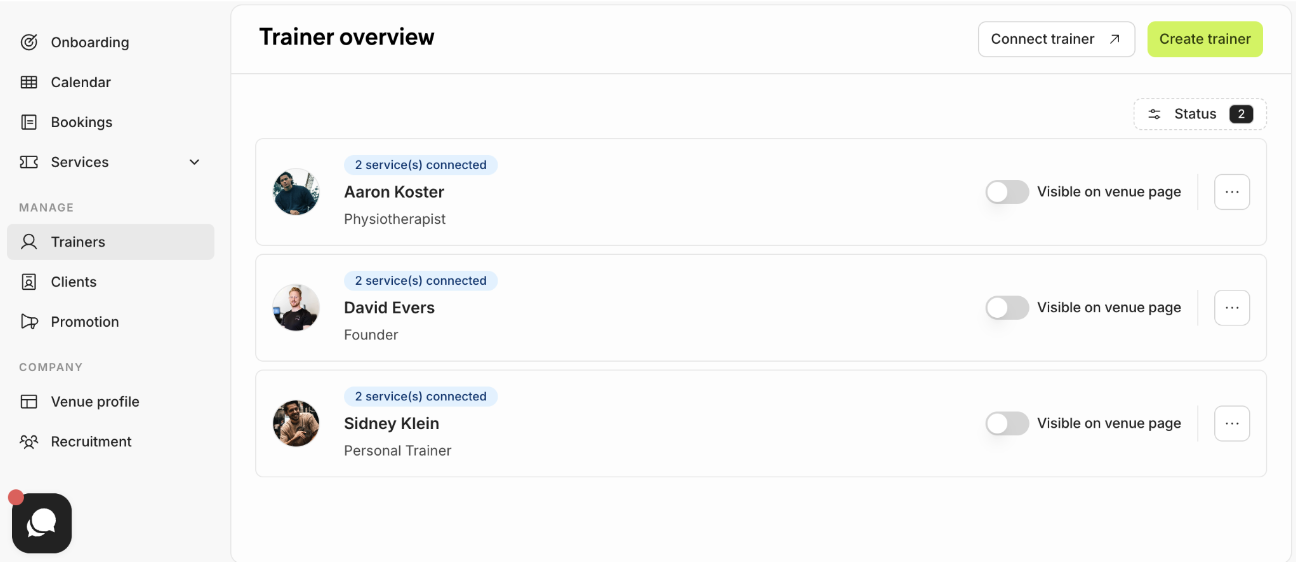
Click the three dots on the right side of your trainer and select ‘Edit profile’ to complete their details.
Tip: adding a nice profile picture will make you stand out!
Once you’ve selected a trainer you can add more information to their profile. On the left side menu, you’ll see the following tabs: General, Bookings, Availability, Holidays, Trainer App.
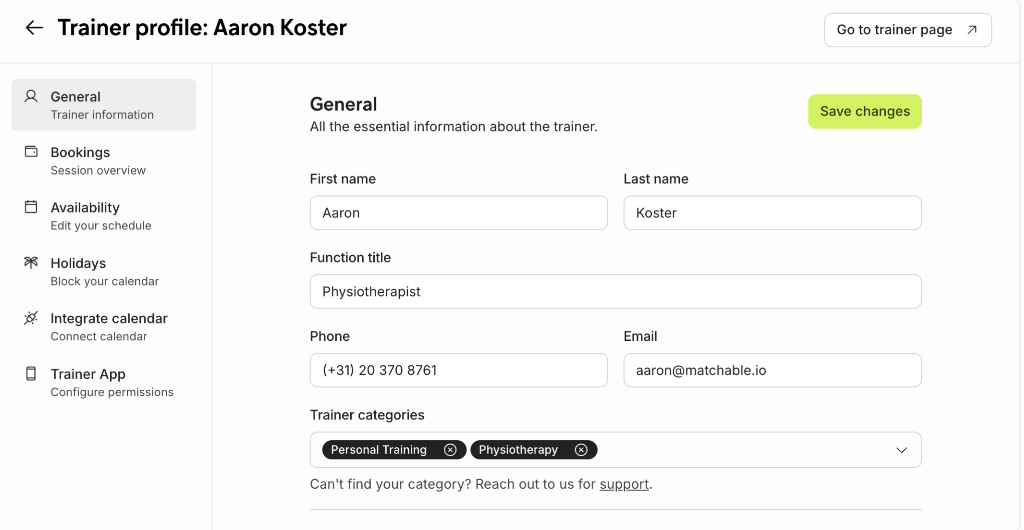
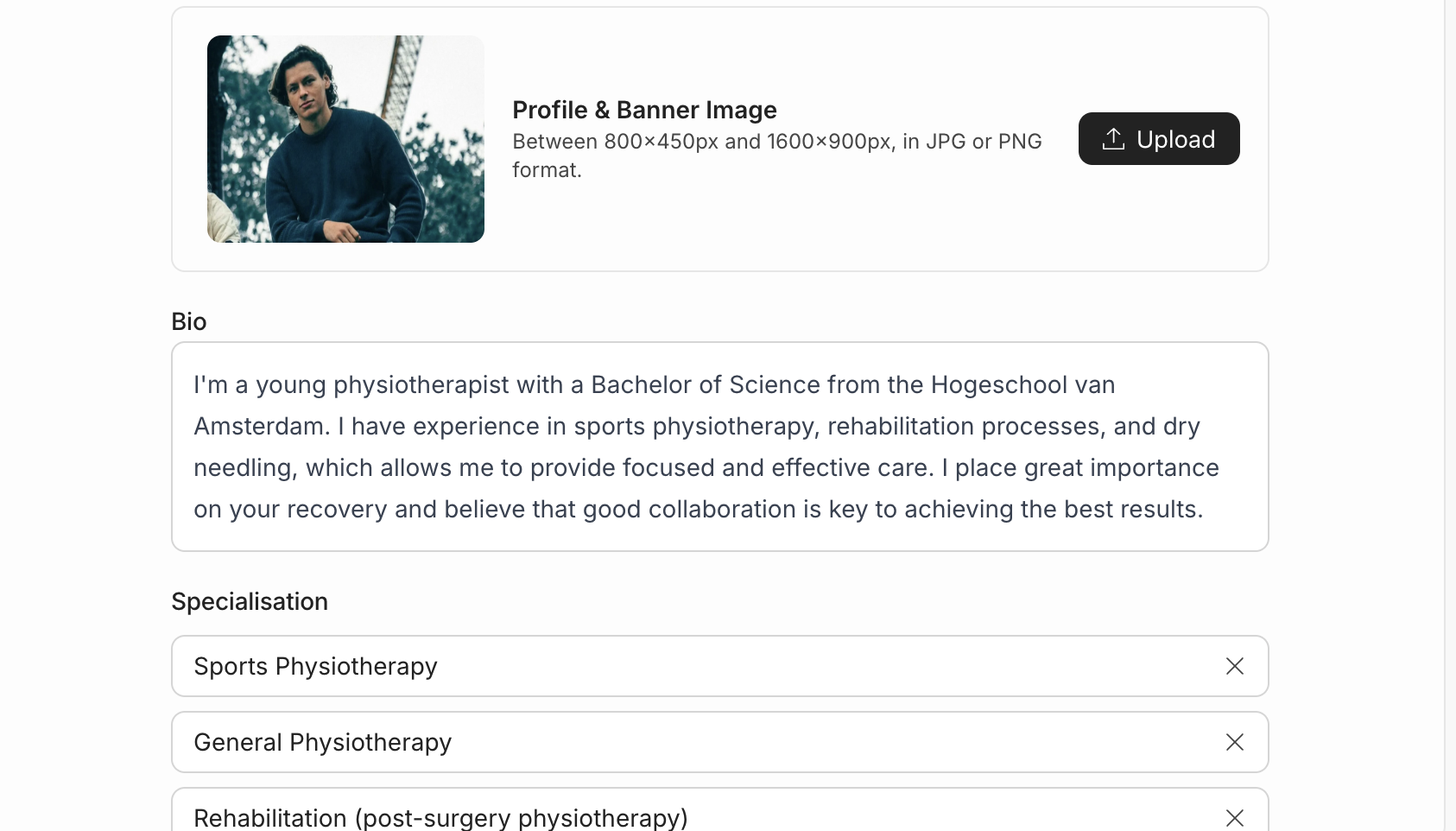
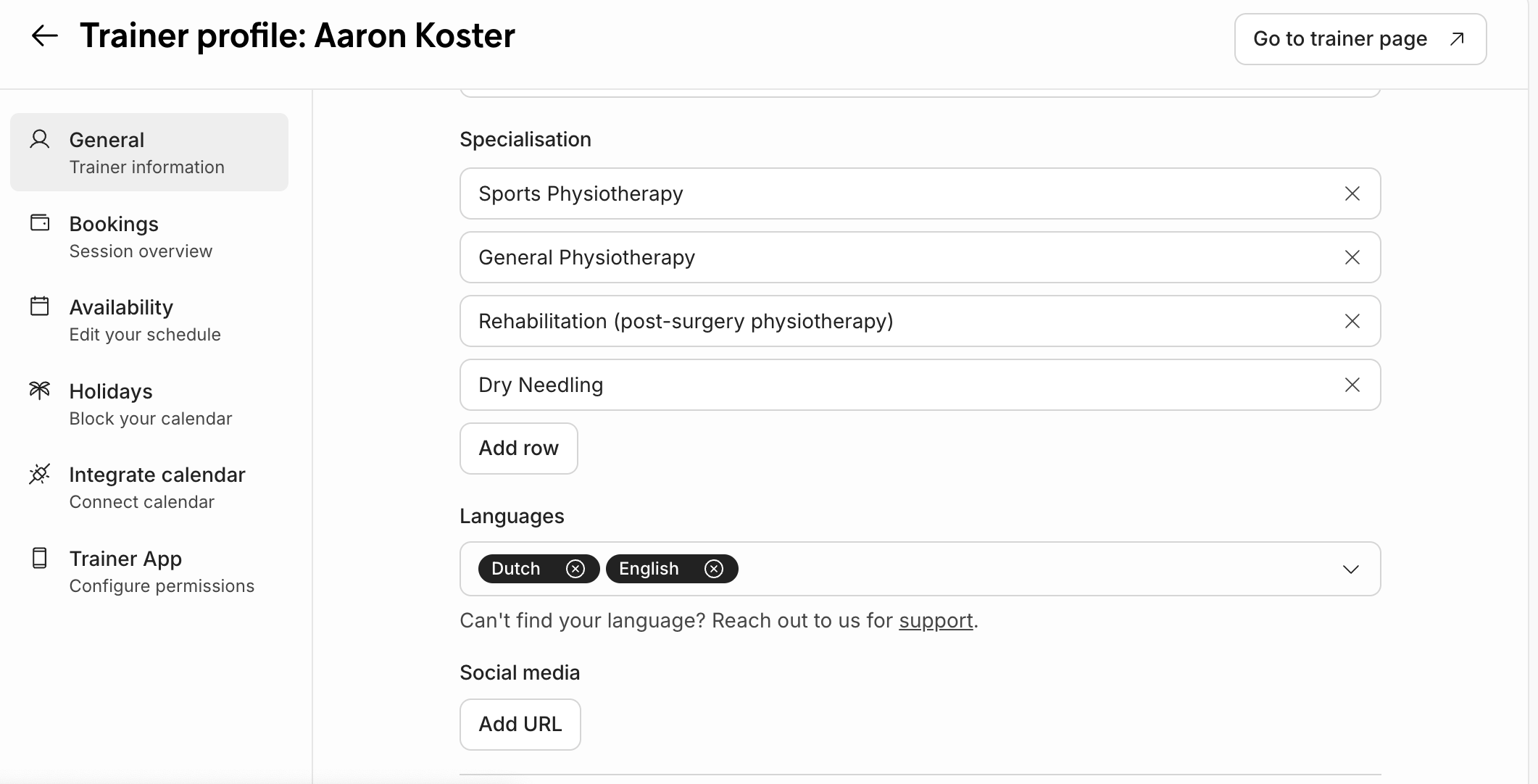
Make sure you click the green button in the top right to Save changes before leaving the page. All the information will be live for clients to see on the trainer profile page on the marketplace.
