When purchasing a training, you have two options:
• Schedule the training during the checkout process.
• Schedule the training after completing your purchase.
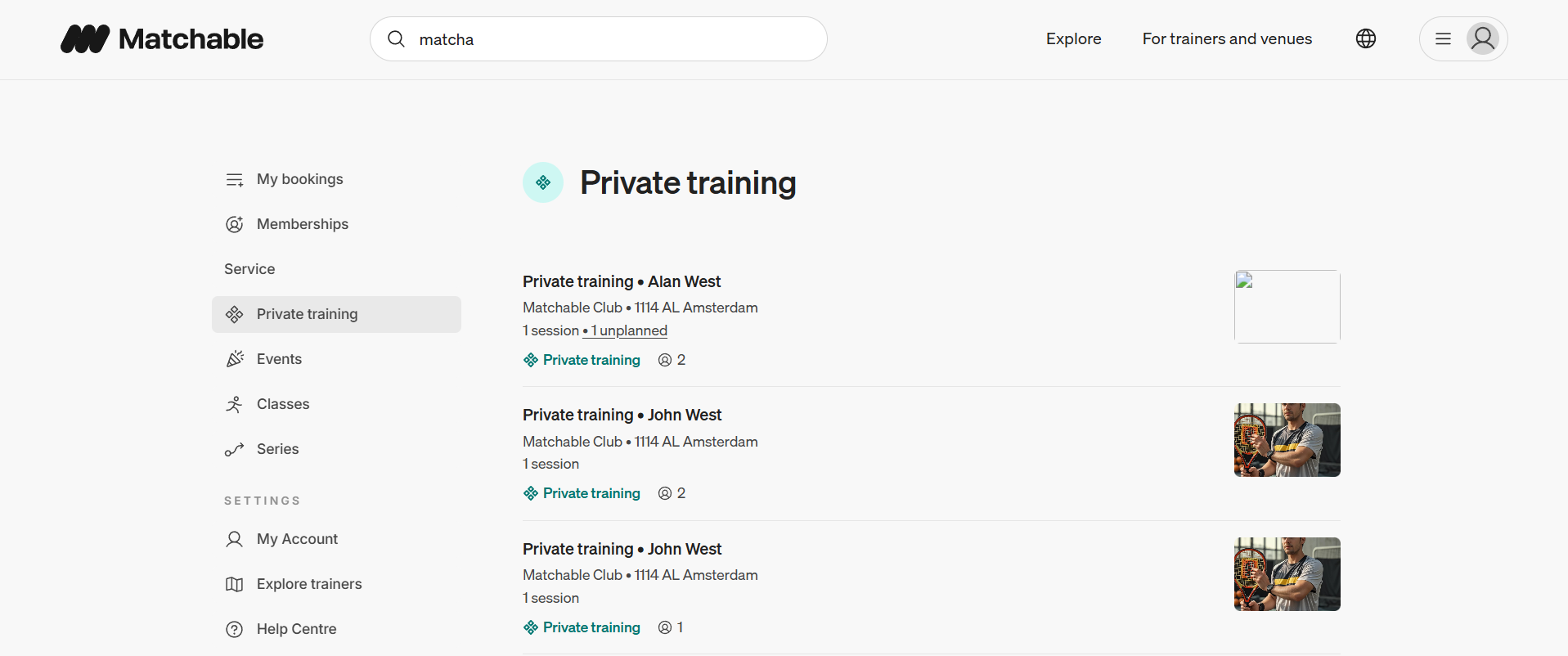
If you’re already logged in to your Matchable account, go to ‘Private training’ on the left side of the screen.
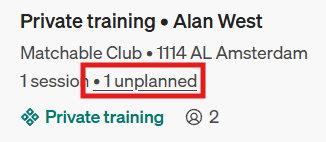
As shown below, the training with Alan West in this example is marked as ‘unplanned’. Click this highlighted area to start scheduling the training.
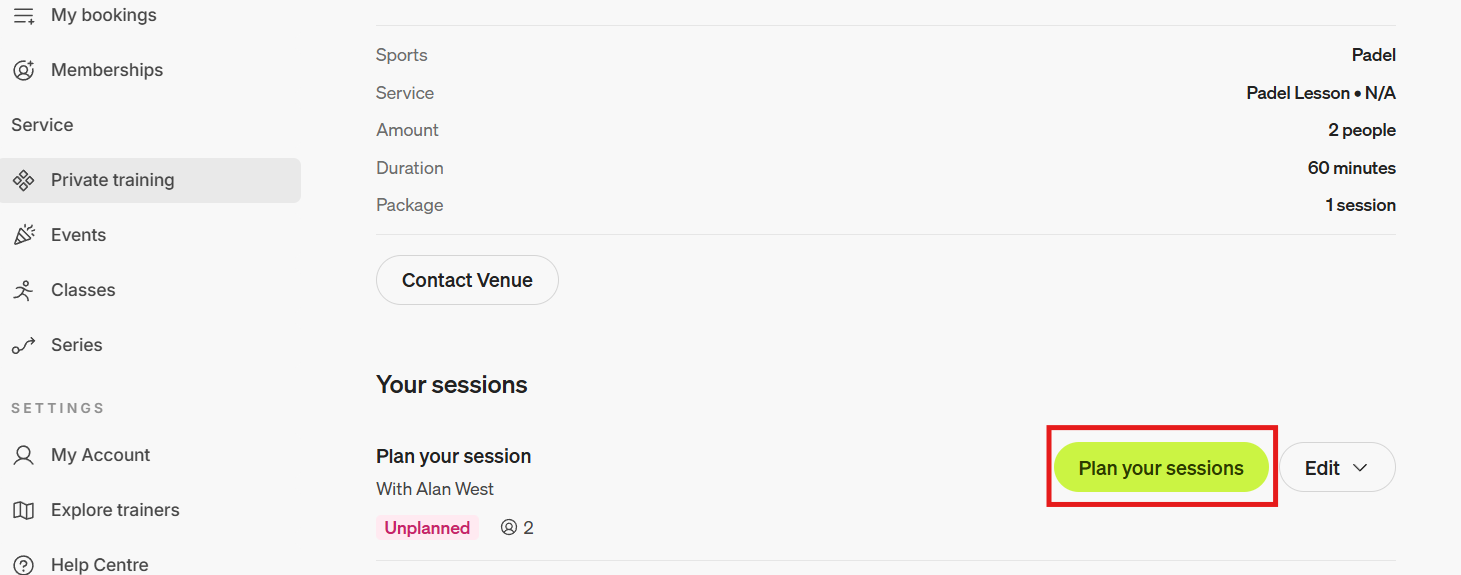
Click ‘Plan your sessions’ to go to the scheduling page.
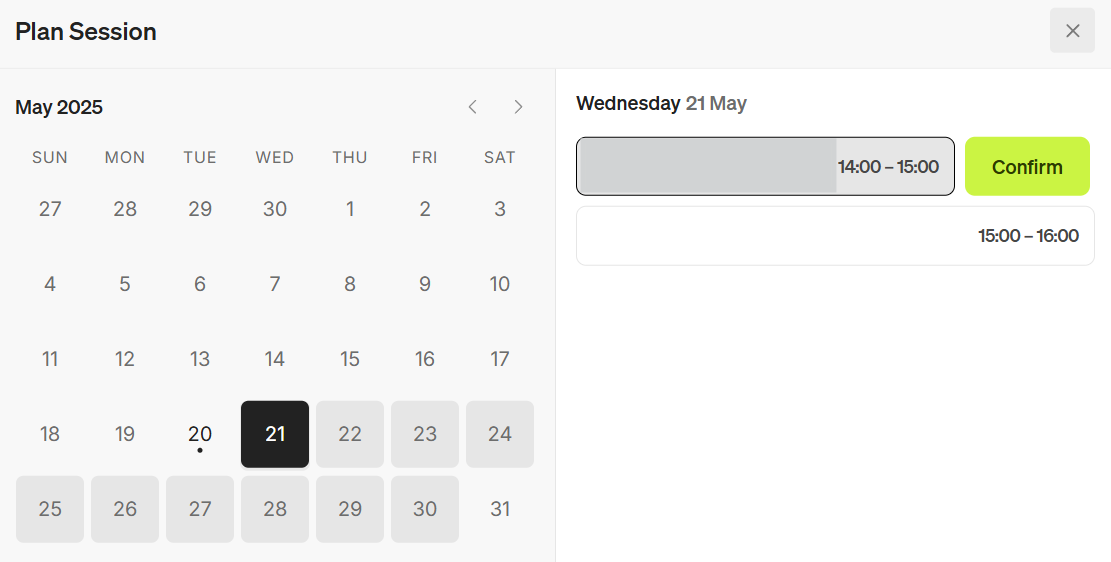
Select your preferred date and time, and click ‘Confirm’ to finalize your booking.