
Log into the Matchable manager.
In the left slide bar, click ‘Venue profile’
Fill in as much as information as possible e.g.: venue logo, banner image of your venue, name, location, bio, contact information, socials and your amenities. When you’re done, click on ‘Save changes’. Tip: Adding a nice banner and your logo will attract more clients!
See example:
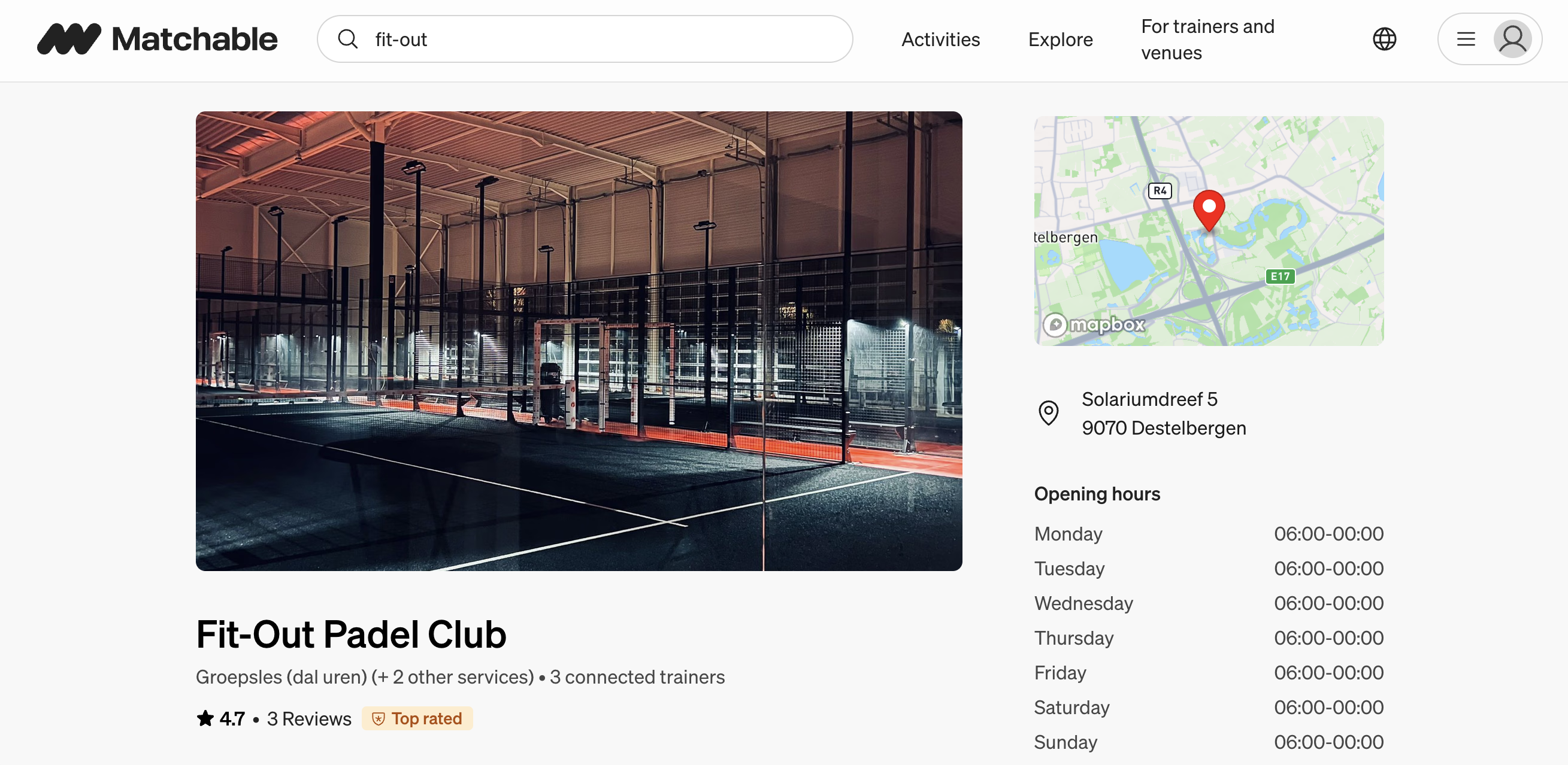
Once you’ve edited and saved your profile, all the information will be live on the marketplace. You’ll be able to make changes at any time.