For special occasions, one-off events or ticket sales, events are set up through the Matchable Manager with a customizable page.
Log into your back-office: https://manager.getmatchable.com/
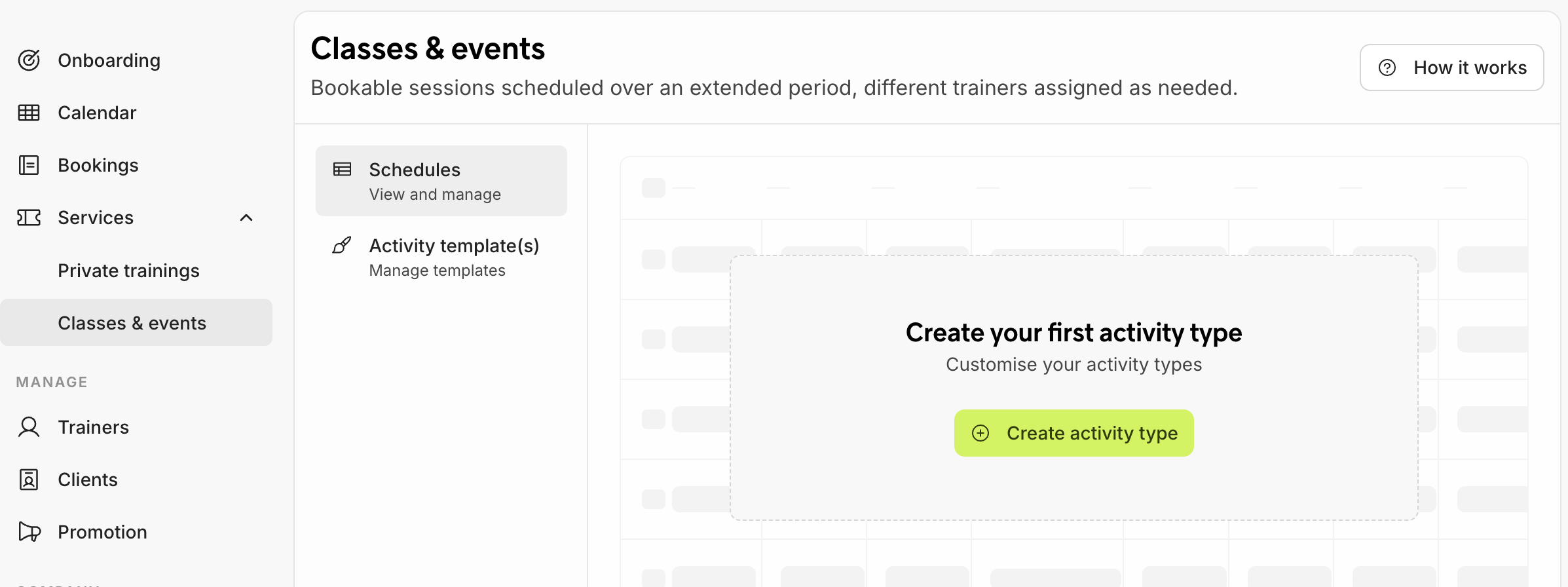
1. Navigate in Manager to Services on the left and then select Classes & events to create your first event and click on Create activity type.
2. Fill in the Name of the event and Select sport category e.g. padel and upload a nice Banner image and add a Description of the event, so that people will know what the event is about. Click on the green Create button to save the event.
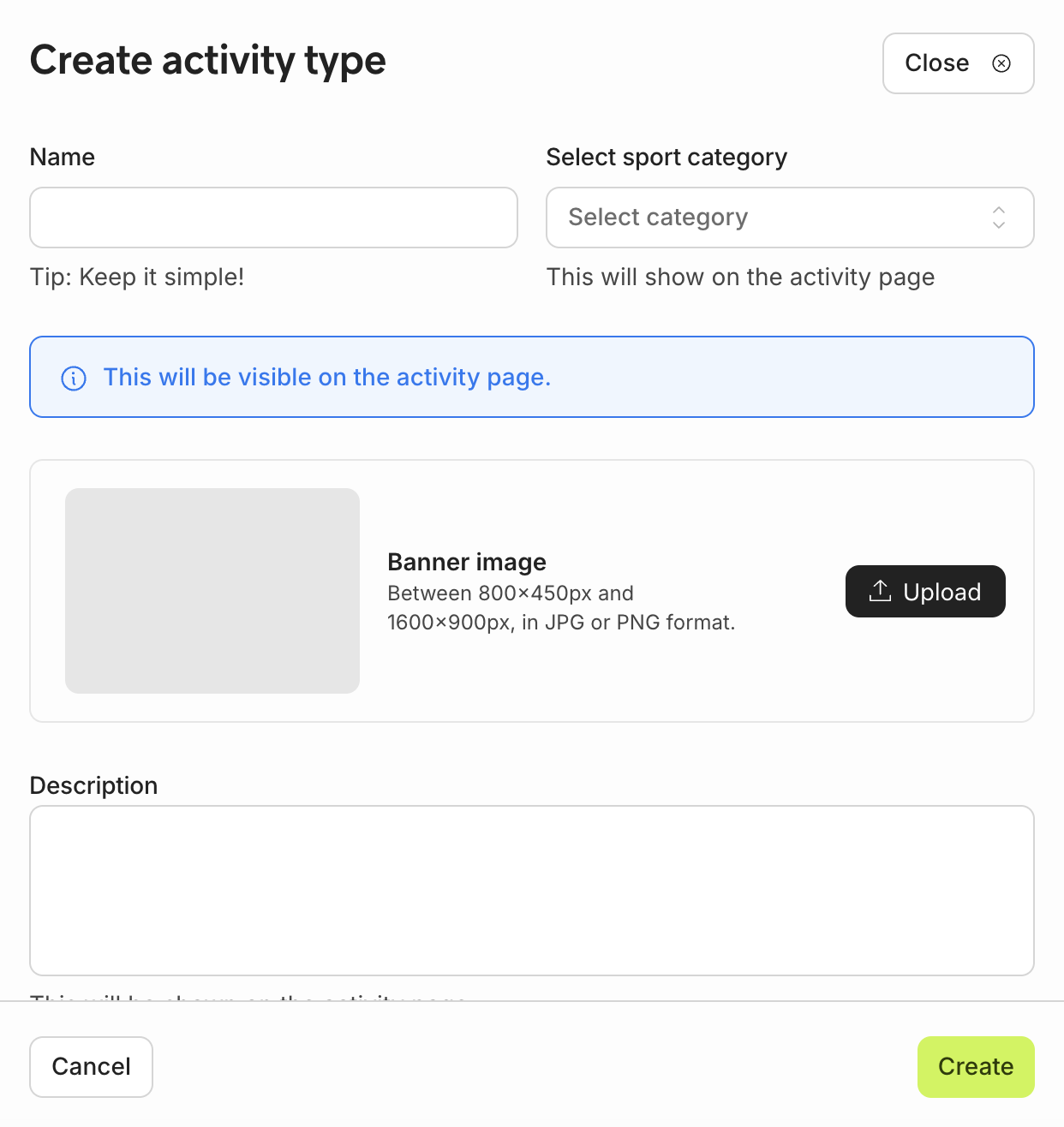
All the information will be shown on the event page where the clients can buy the ticket.
3. Fill in all the details, from ticket prices to VAT, the number of participants that are allowed to buy tickets and the cancellation policy. Don't forget to add the location of the event venue if it differs from your own venue and Save changes once you're done.
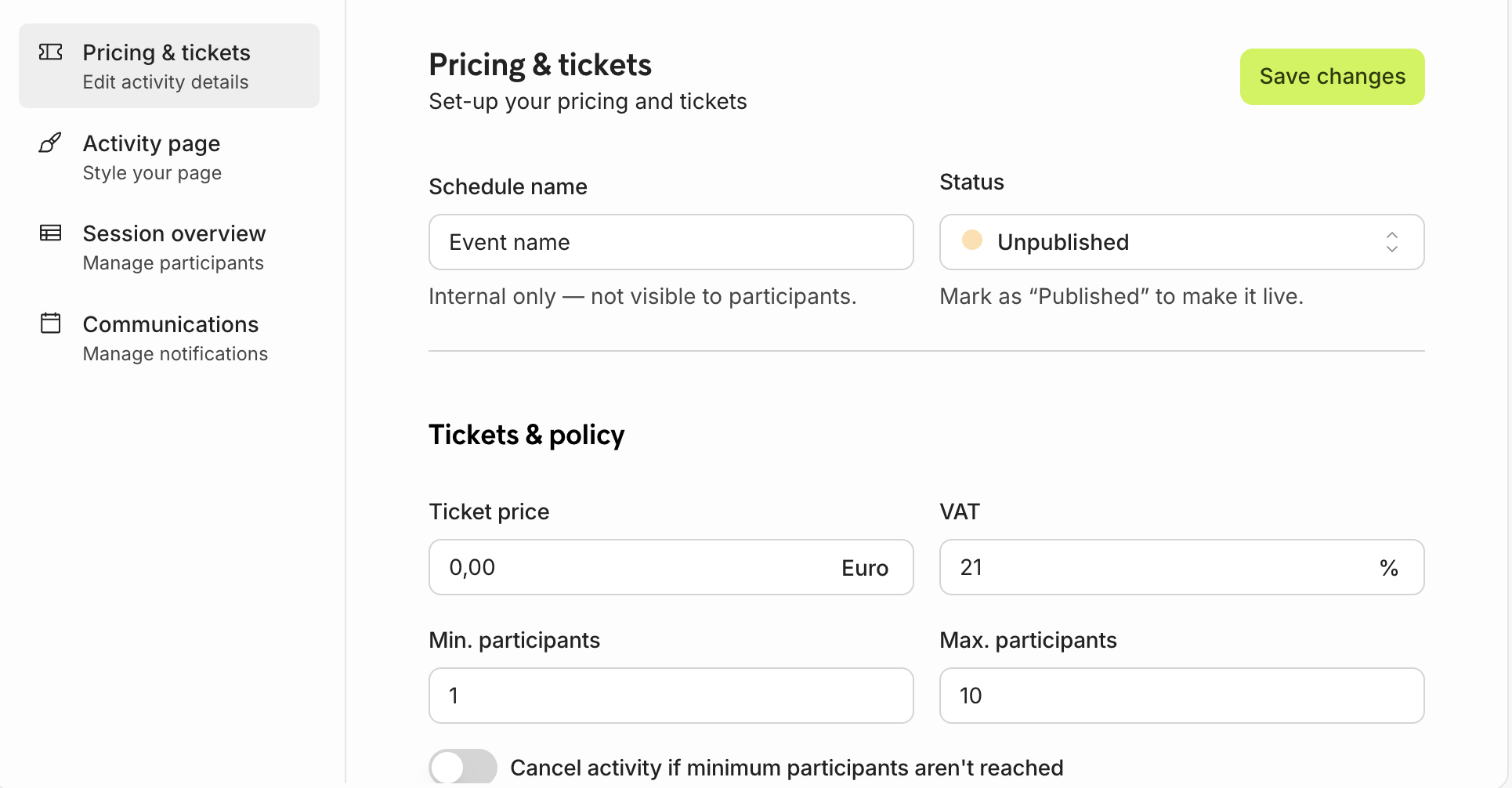
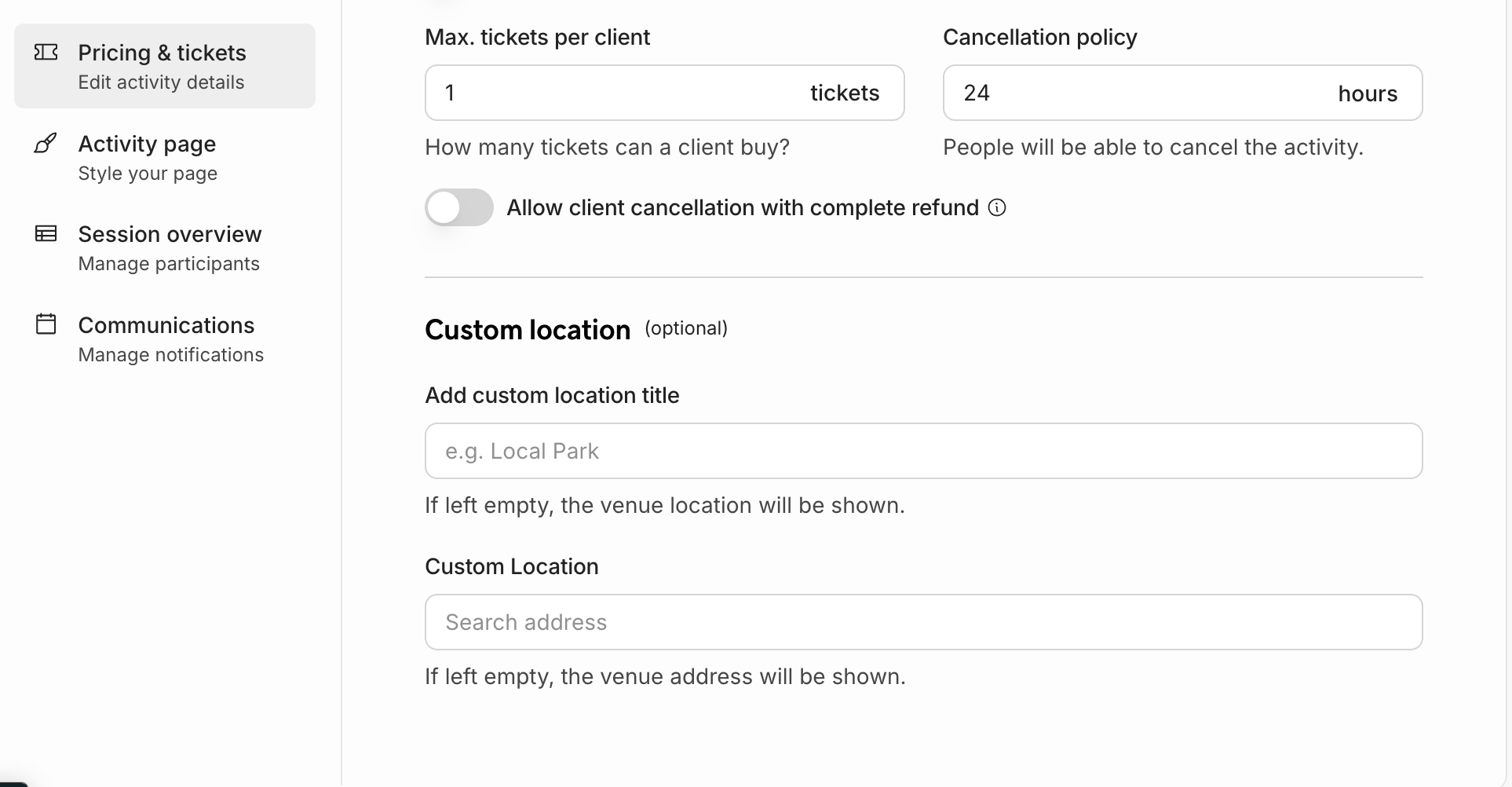
When all the above fields have been filled in, you can set up the event session. Save your information and navigate to Session Overview on the left.
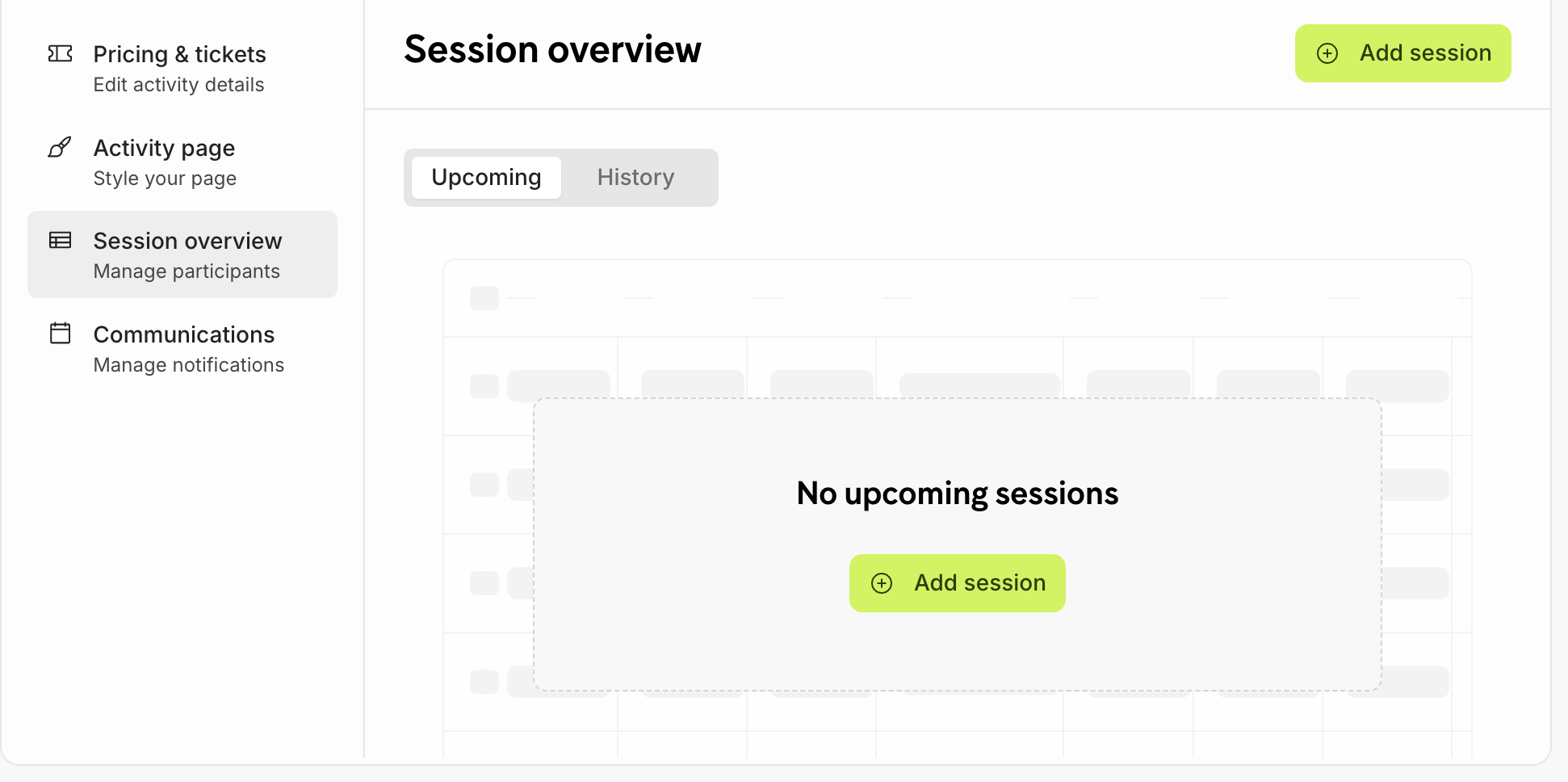
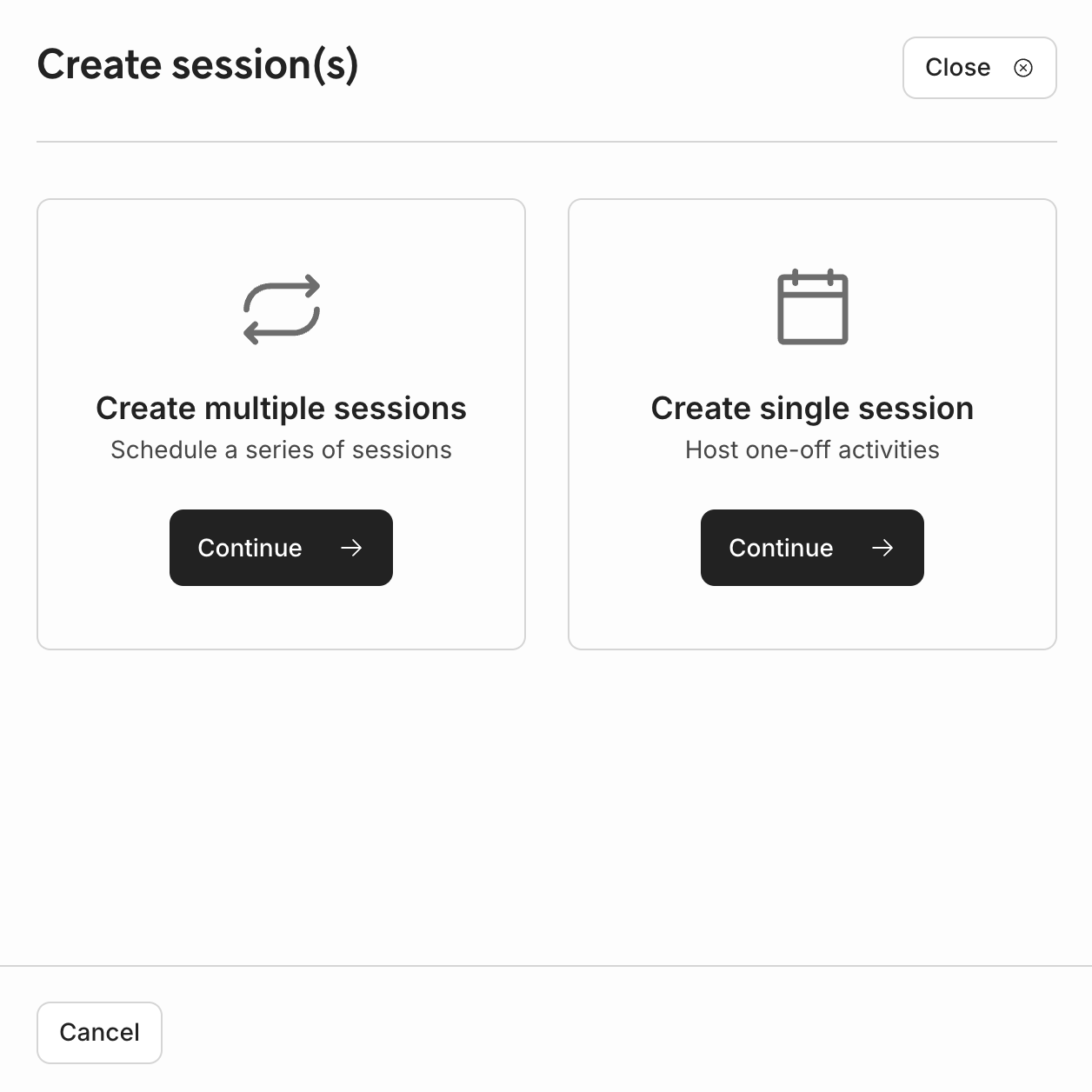
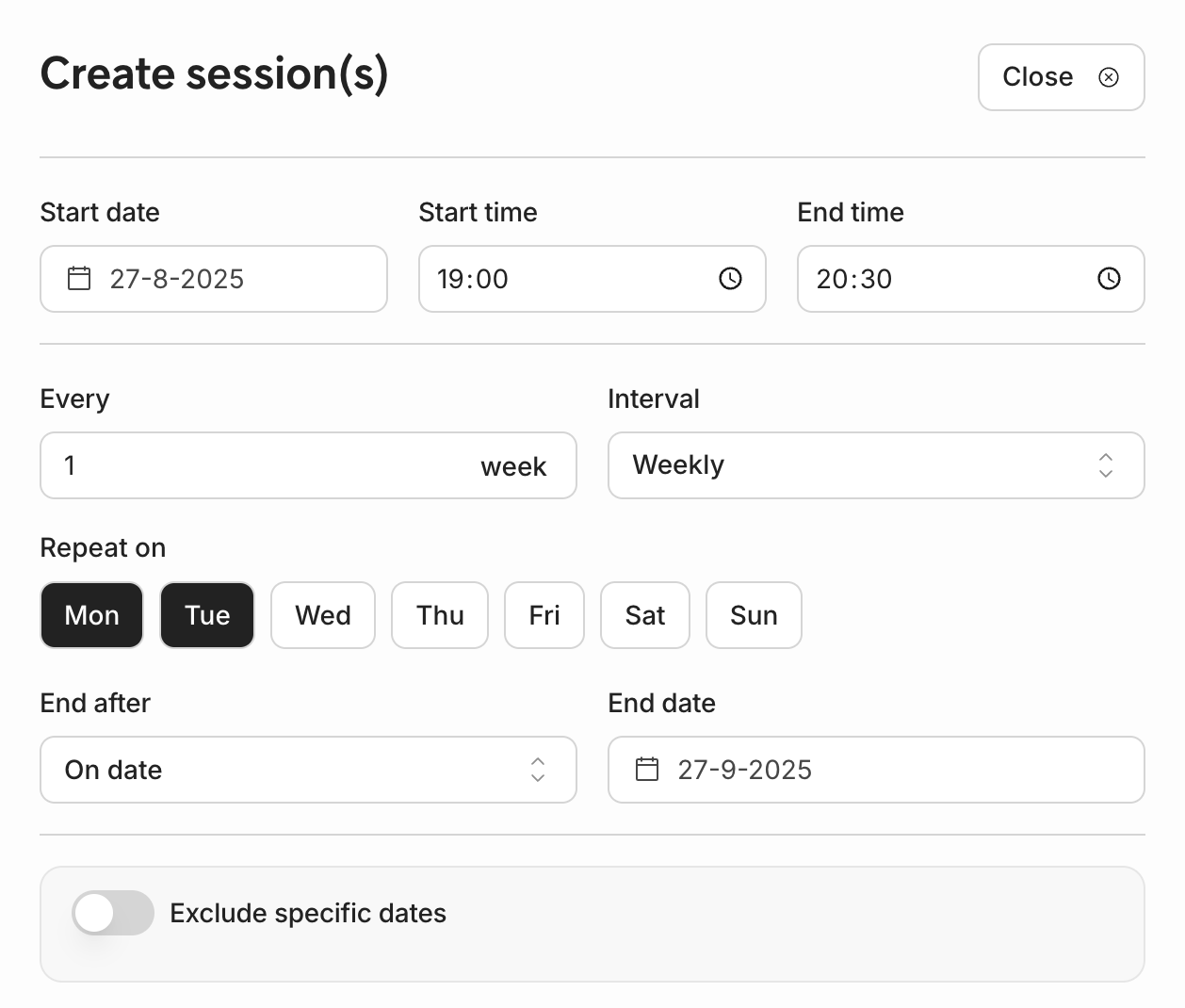
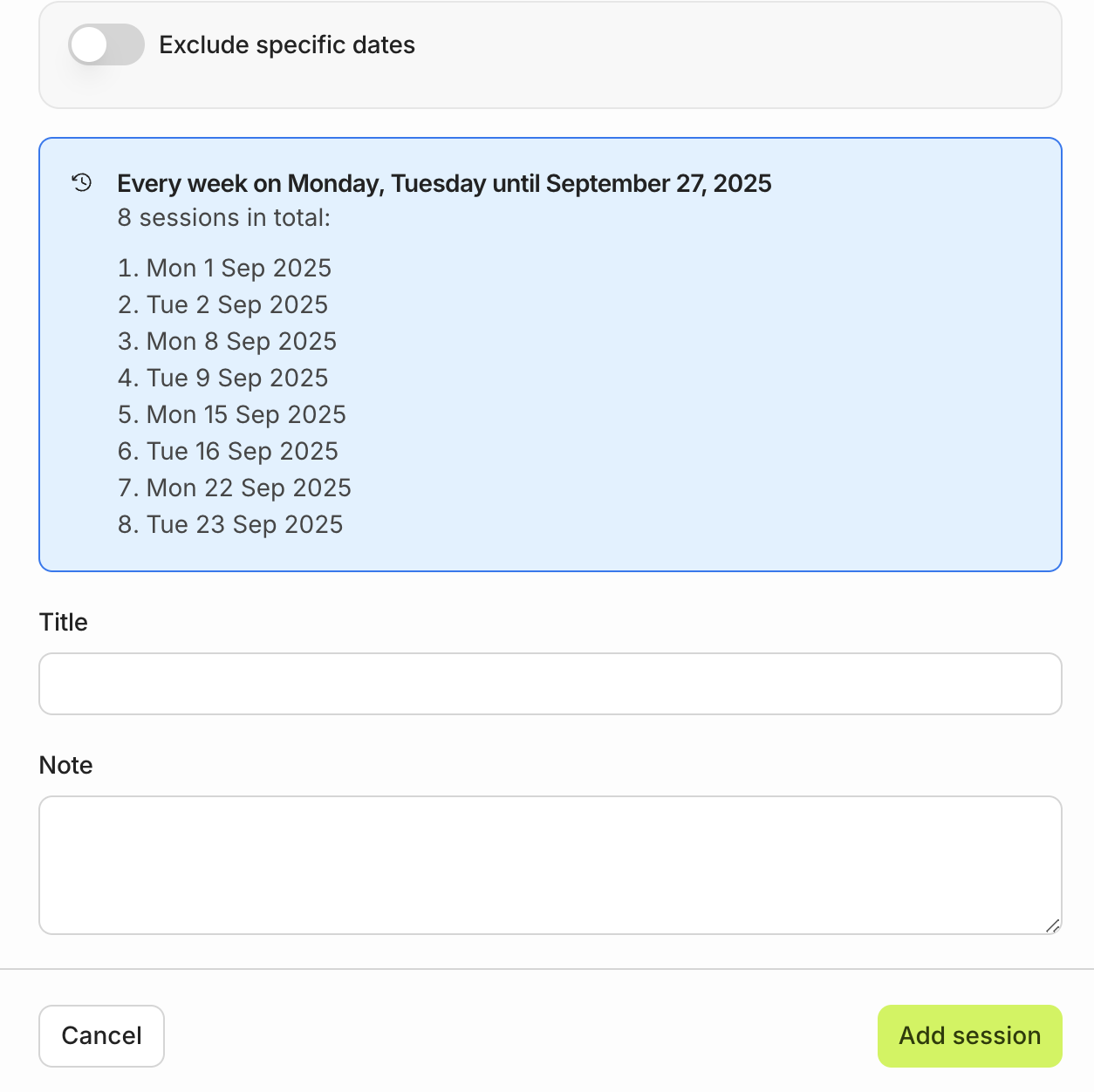
2. Fill out all required fields e.g. Start date, time, participant etc. and save the information by clicking Add session. Once completed, the session will be visible on the marketplace for clients.
Example of multiple session
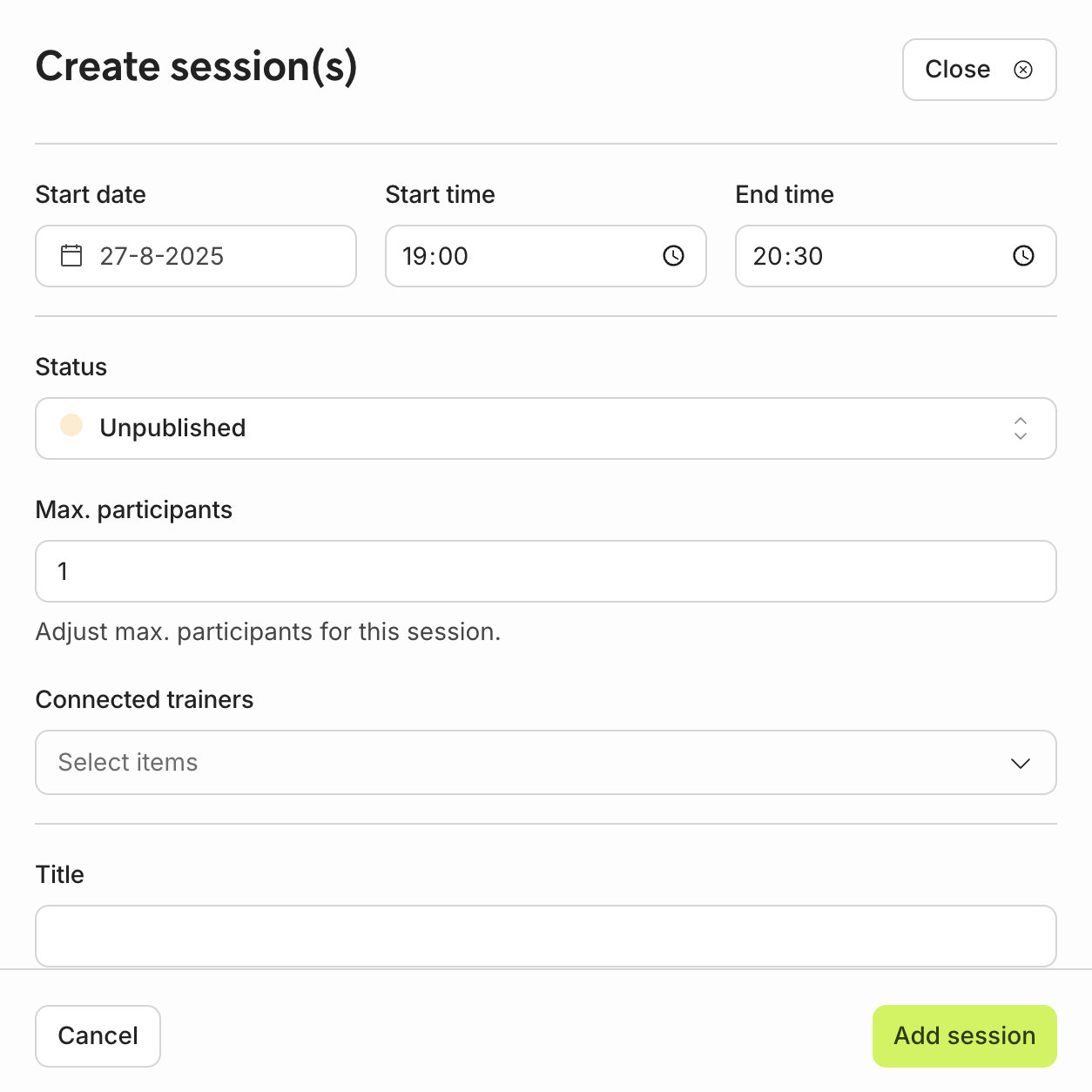
Example of single session