
Open https://www.getmatchable.com/ and search for your preferred venue/trainer or sport using the search bar.
Under ‘Trainers’, you can find the trainer you’d like to book a training with.
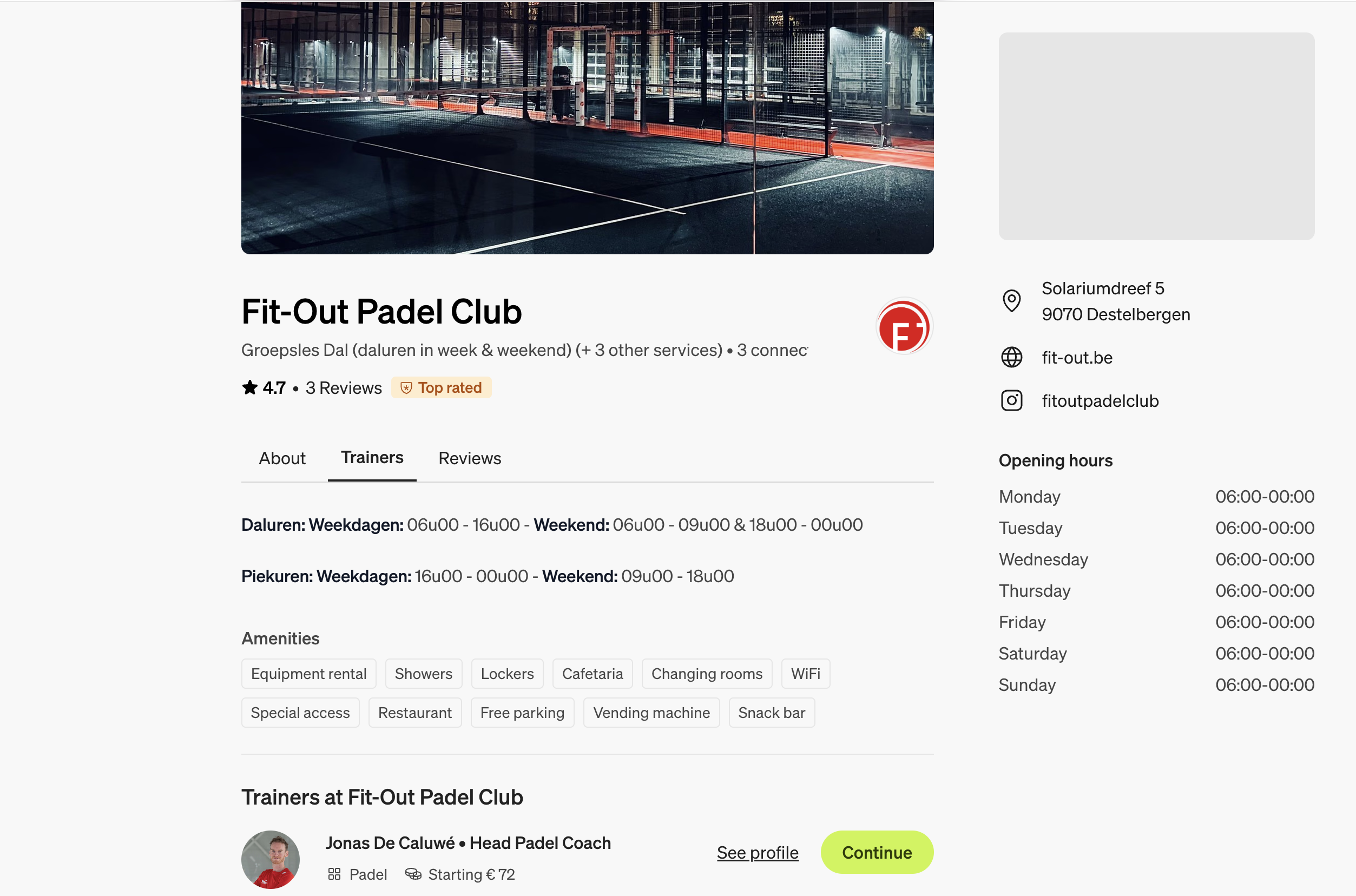
Select your trainer, or view their profile if you’d like to know more about their skills or read their reviews. Then select ‘Continue’ to proceed with the booking.
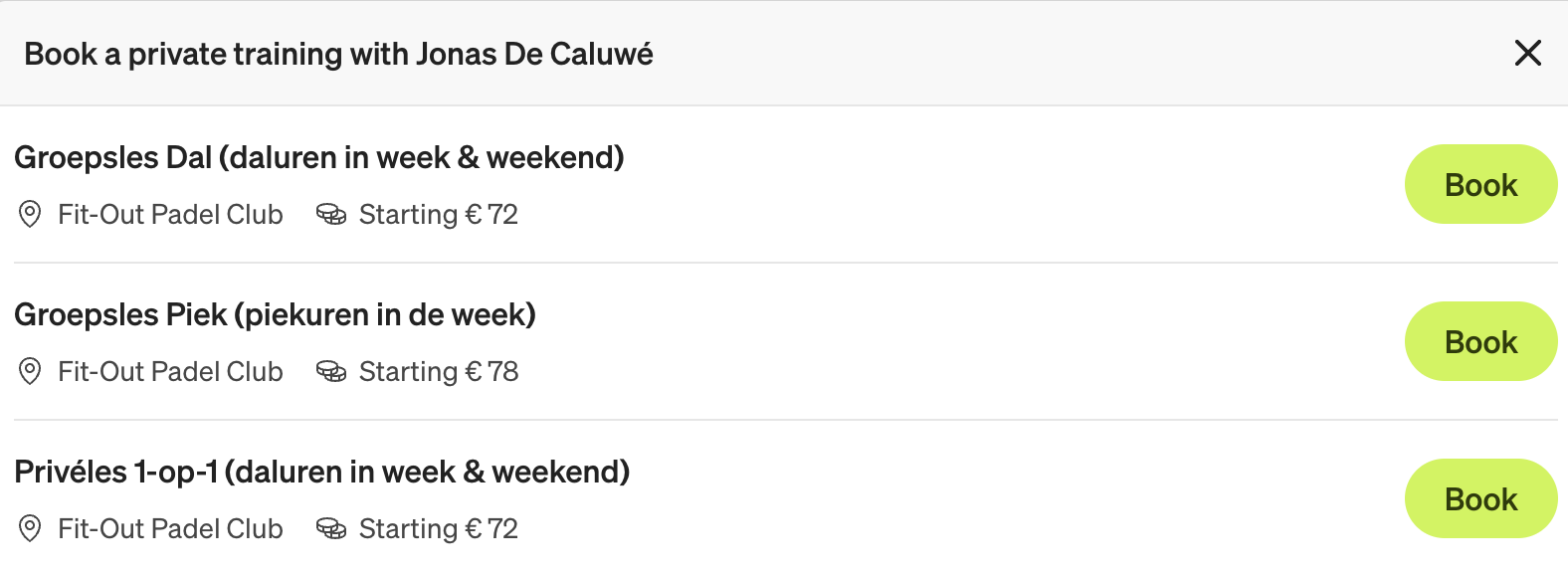
As shown below, you can select the type of training. In this case, the trainer offers a ‘group lesson’ during peak and off-peak hours, as well as a ‘private 1-to-1 lesson’. Select your preferred option.
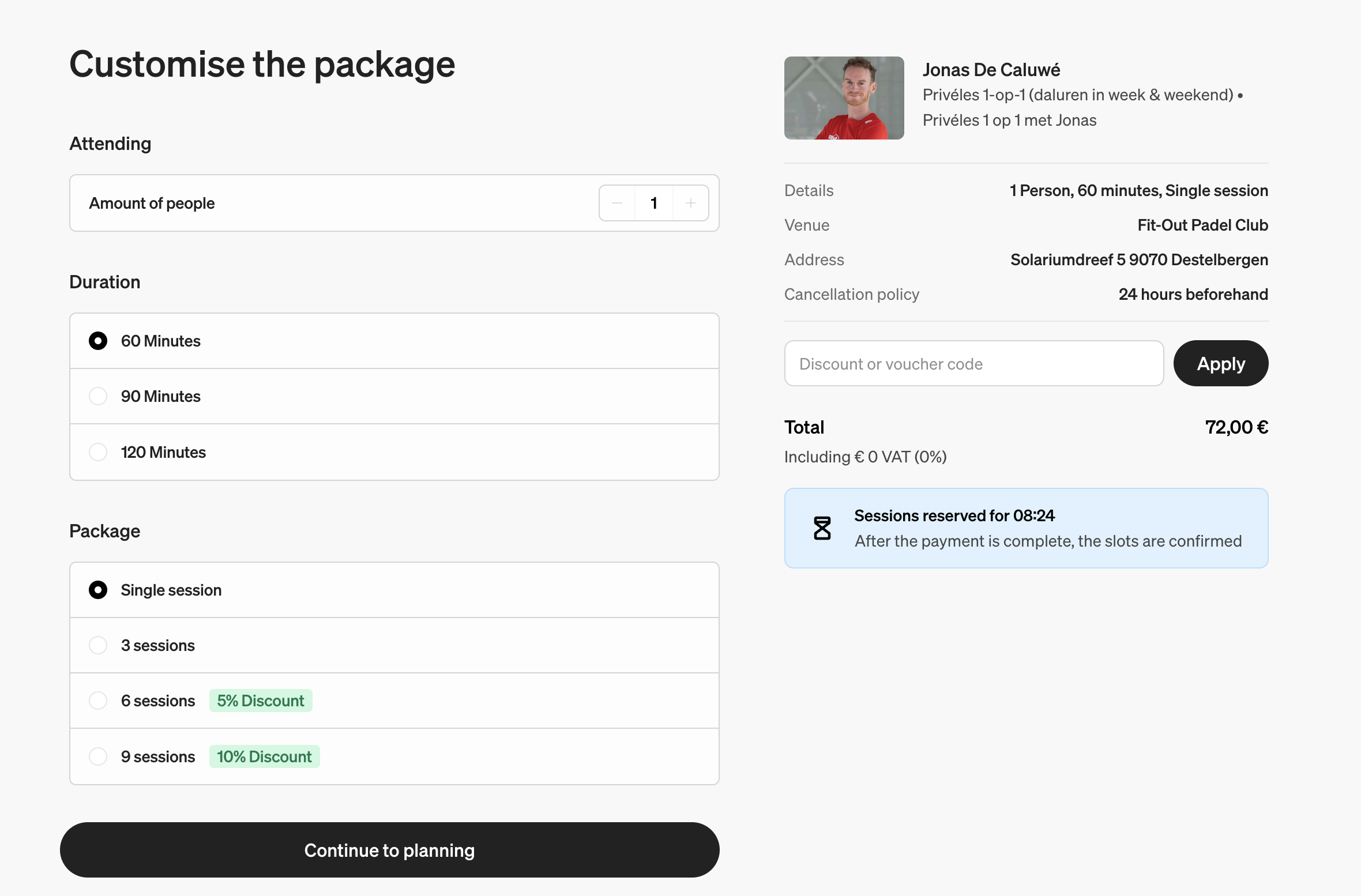
Select Number of Attendees
After selecting your preference, choose the number of people who would like to attend the training.Select Training Duration
Then, select the duration of the training session.Choose Your Package
Select your ‘package’. Many trainers offer discounts when you book more than one class.Review Your Purchase
On the right, you’ll see a summary of your purchase.Apply Discount or Voucher Code
If you have a discount or voucher code, you can apply it here. Click ‘Apply’ to activate your code.Continue to Planning
Once you’re ready, click ‘Continue to planning’ to finalize your booking.
You can plan your training session here, or choose to do it at a later stage.
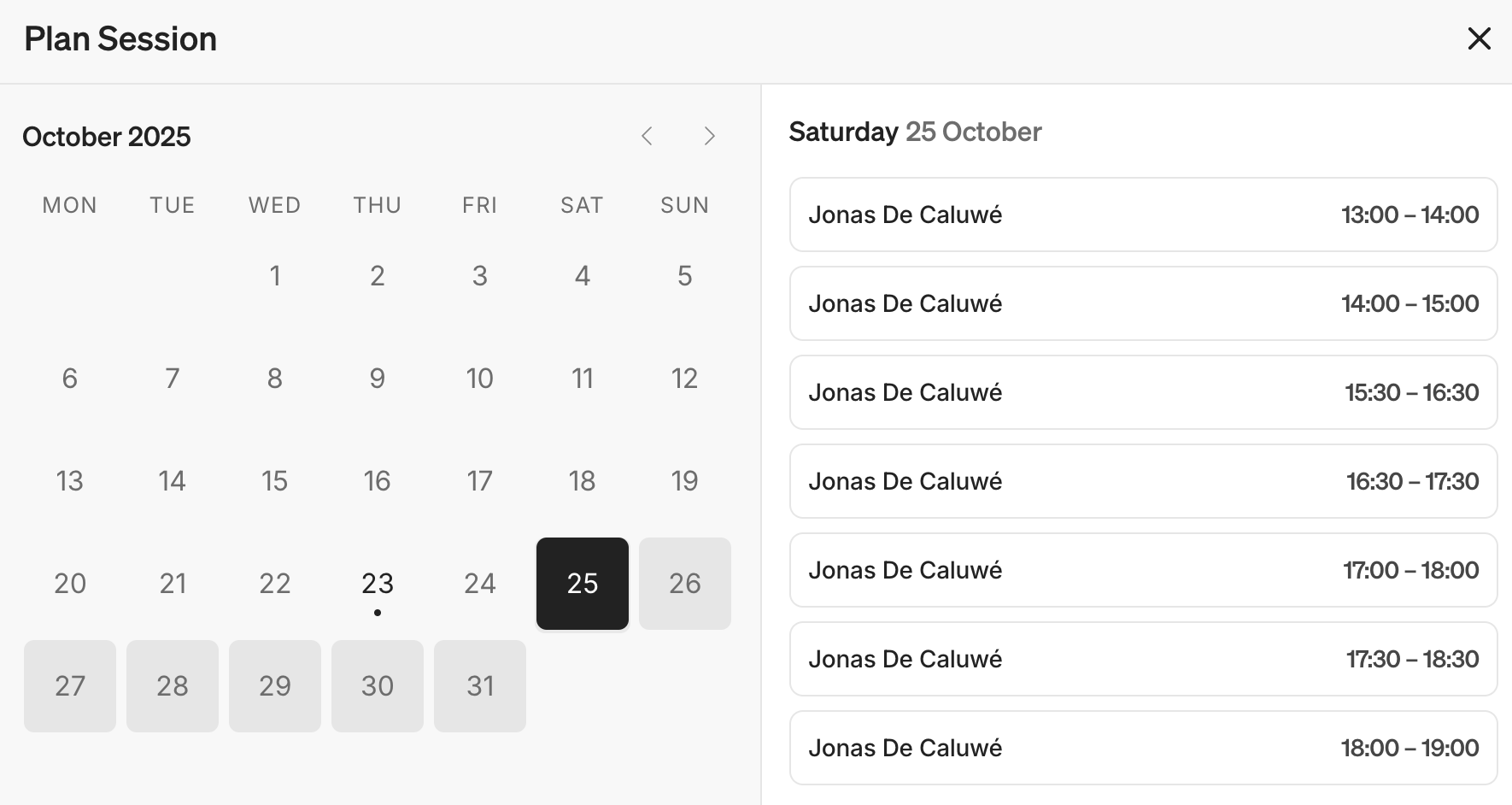
By clicking ‘Plan’, you can check the trainer’s availability.

Click your preferred date and time slot, then select ‘Confirm’.
You can log in to your existing account or create an account.
Once you’ve done this, click ‘Pay’ to proceed with the payment. You will receive a confirmation email when you’ve purchased the training.