Every time you pay for a service on Matchable, you automatically receive an invoice from the business or trainer you booked with.
Where to find your invoices
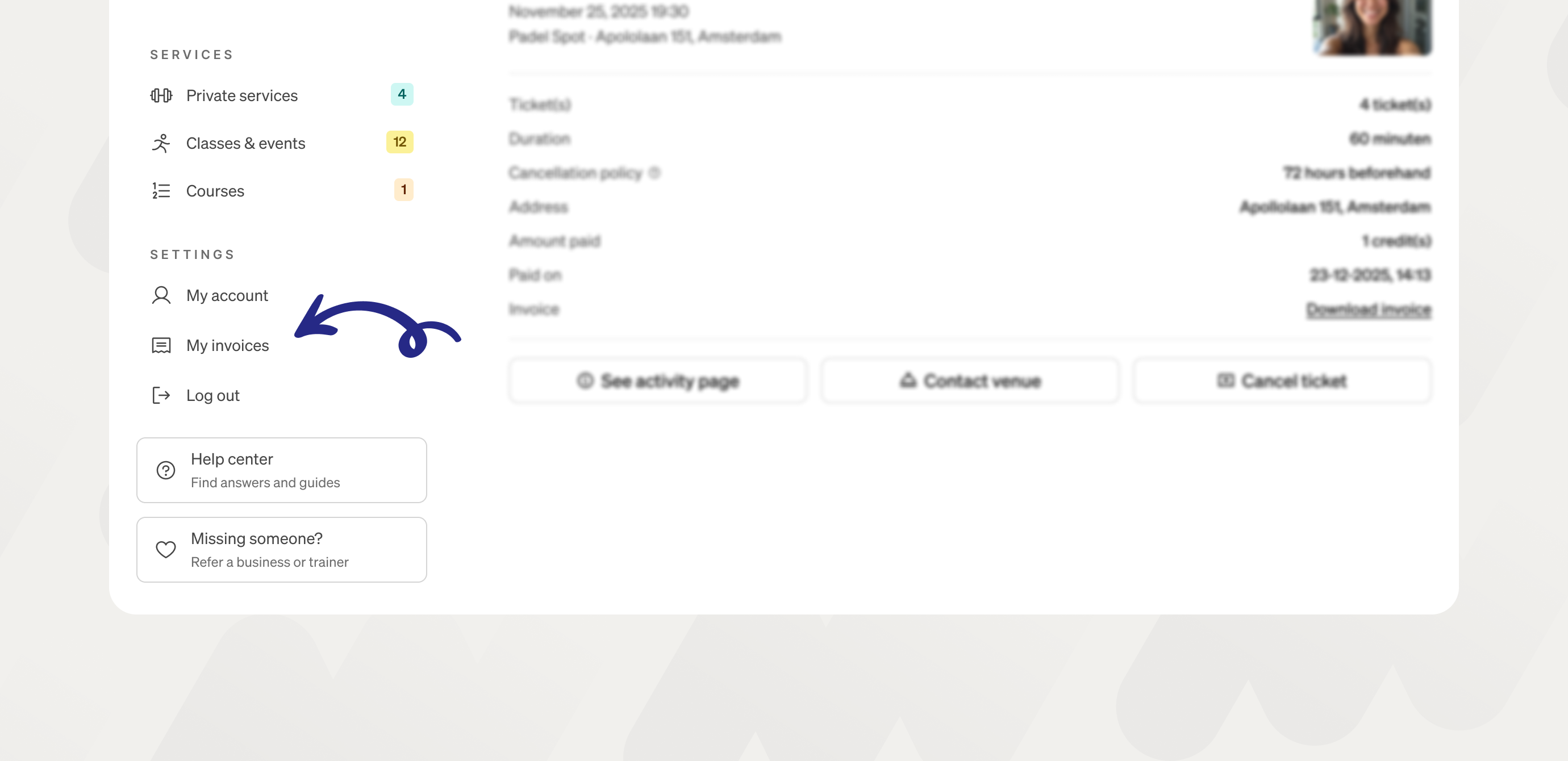
You can view and download all your invoices in your client account under "My invoices."
What's on the invoice
Each invoice is generated automatically using the name on your account. VAT rates are set by the provider, not by Matchable.
Need different details on your invoice?
If you need an invoice with different information (for example, your company name or business address), you'll need to reach out to the provider directly. You can find their contact details on their Matchable profile or on the invoice itself.
