
Your storefront is your public-facing profile on Matchable — the page clients land on when they find you via the marketplace, a direct link, or your booking widget.
Think of it as your digital front door. Everything you sell lives here: private sessions, classes, courses, events, and credit packages. Clients can browse what you offer, check availability, and book and pay in one go.
To view your storefront: go to https://matchable.io/storefront?venue={Your venue name} or click on the See overview on your profile page.
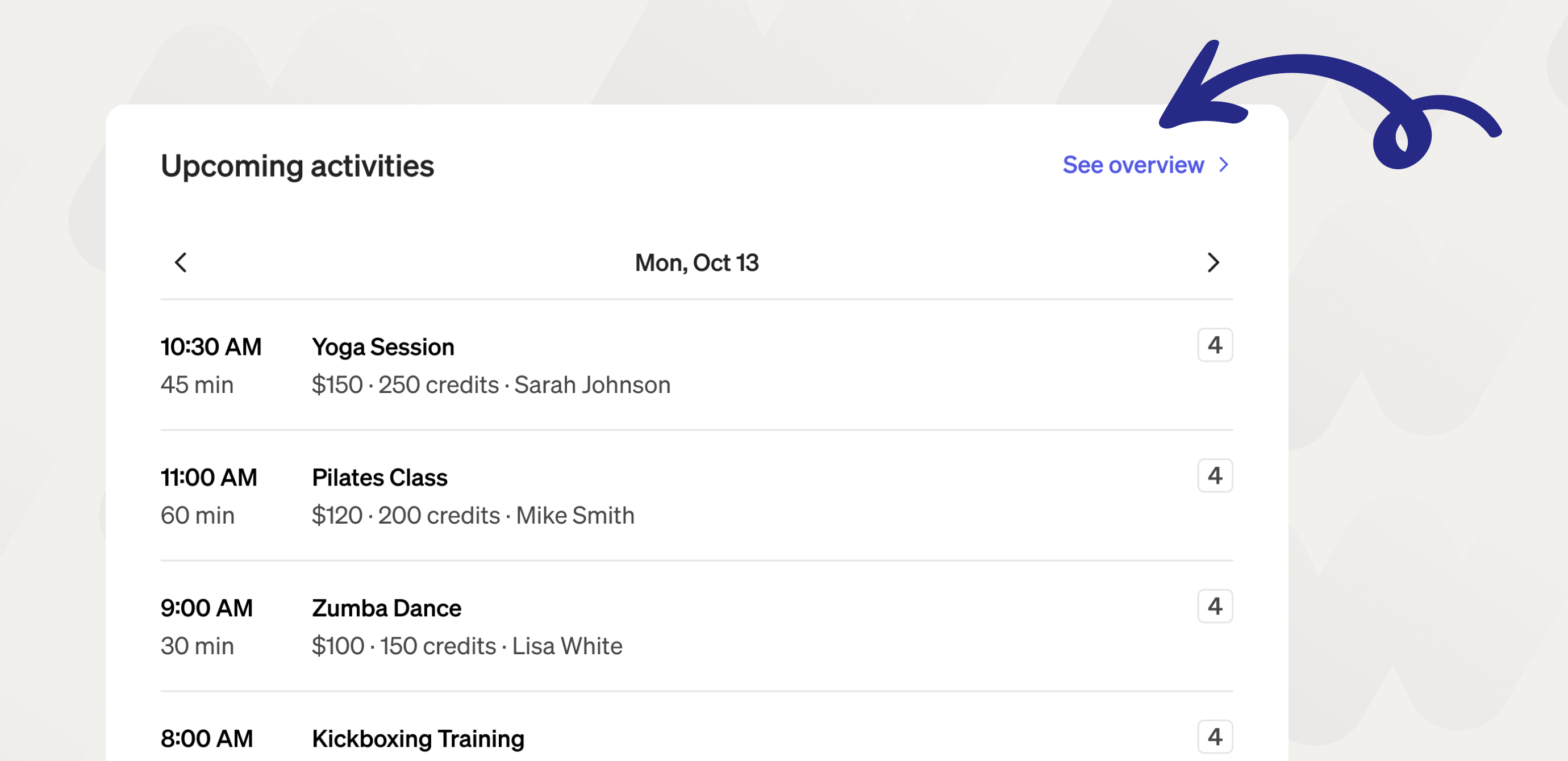
What shows up on your storefront
Everything you've published in your manager appears here automatically. That includes:
Private services — one-on-one sessions like personal training, tennis lessons, or yoga. Clients see the description, duration, price, and your assigned trainer(s).
Classes — group sessions with a set schedule and capacity. Clients can see how many spots are left and book directly.
Courses — multi-week programs clients can enroll in as a package.
Events — tournaments, workshops, or camps with ticket-based registration.
Credit packages — if you've set these up, clients can buy credits directly from your storefront and use them to book classes.
If something isn't showing up, check that it's published in your manager. Unpublished services are only visible to you.
What clients see
Your storefront shows your business name, profile photo, description, location, and reviews. Below that, all your active services are listed with photos, pricing, and availability. Clients don't need an account to browse, but they'll need to create one to book and pay.
How bookings work from your storefront
Client picks a service and selects a date and time
They pay upfront (card, Apple Pay, iDEAL, etc.)
They get a confirmation by email and in the app
You get notified and the booking appears in your manager
Making your storefront work harder
A complete profile gets more bookings. A few things that help:
Add a clear description — what you do, who it's for, what makes you good at it
Upload photos — of your space, your sessions, yourself
Keep your availability current — clients can only book slots you've made available
Collect reviews — they show up on your storefront and build trust fast
Sharing your storefront
You'll find your storefront link in your manager under [Profile / Share]. You can drop it in your Instagram bio, send it to clients, or use it anywhere you'd normally share a booking link. If you want it embedded directly on your website, check out the booking widget.